Safenotes: A Secure Way to Store Other Sensitive Information
Think of Safenotes as secure "yellow sticky notes" protected by your Master Password. Use them to store sensitive information. Some examples of information you may want to store in a Safenote:
- ATM PINs
- Lockbox combinations
- Software activation codes
- Frequent Flier Numbers
Creating a New Safenote
-
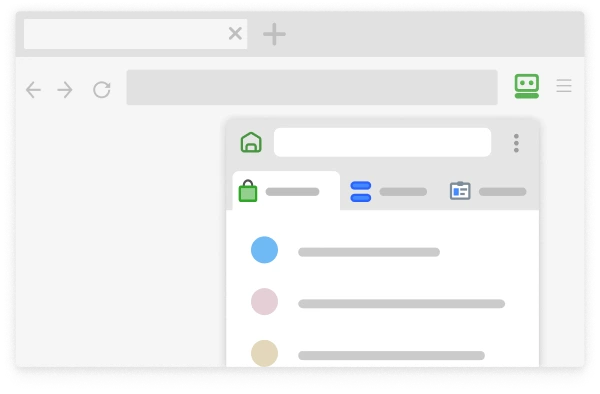
On the RoboForm toolbar click RoboForm > Safenotes> New.
-
Create a name for your Safenote and then click "OK."
-
Enter your information for your Safenote in the Safenotes Editor text box. Click on the green Save disk/icon in the right-hand corner to save your Safenote.
Editing a Safenote
-
On the RoboForm toolbar click on RoboForm > Safenotes > Edit and then choose the Safenote that you wish to edit.
-
Edit your information for your Safenote in the Safenotes Editor text box. Click on the green Save disk/icon in the right-hand corner to save your Safenote.
* RoboForm offers even more great functionality; feel free to browse our Safenotes Manual for additional information and a more in-depth look.