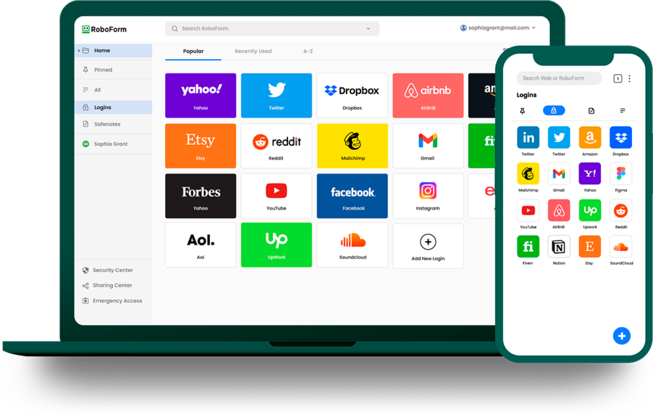






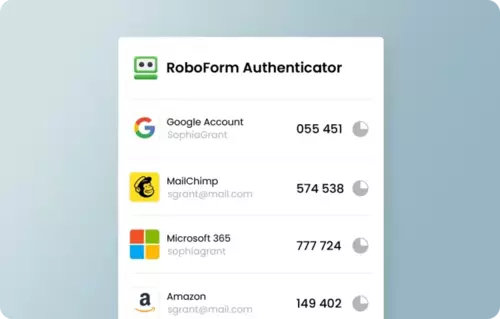
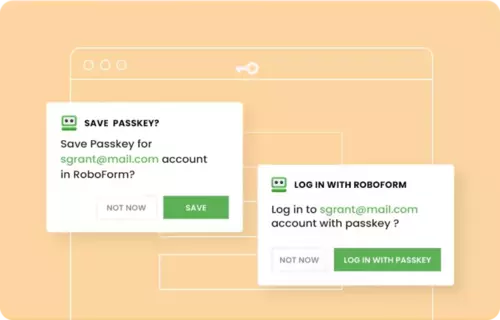





A password manager is an application that securely stores and manages the passwords for your online accounts. It creates a secure vault where passwords are encrypted and accessible only to you. The tool typically includes a password generator for creating strong, unique passwords, and offers features like auto-filling login credentials on websites and applications. Advanced versions include additional security measures like two-factor authentication, dark web monitoring, and the ability to securely share passwords with trusted contacts. A password manager ensures that you maintain strong, varied passwords for all your accounts while needing to remember only one master password.
Business
All features, one licensing model
$3.35
month/user
Billed Annually

