



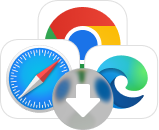

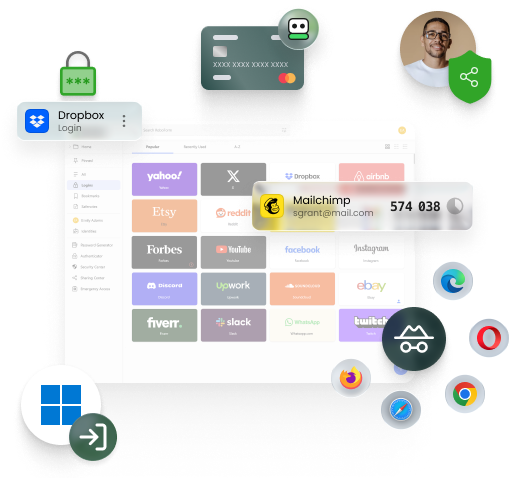


RoboForm works on Windows, Mac, Android, iOS, Linux, and Chrome OS. Extensions are available for all major desktop browsers: Chrome, Firefox, Safari, Edge, Internet Explorer, Opera, and Brave.
Desktop applications are available for Windows and Mac. Mobile applications for iOS and Android are available on the respective app stores.
Desktop applications are available for Windows and Mac. Mobile applications for iOS and Android are available on the respective app stores.

