Security you can trust
The protection of your data is our highest priority. We have followed, and improved upon, industry best practices to ensure the security and privacy of your data
How we secure your data
All the ways that RoboForm's zero-knowledge architecture protects your data
Strong encryption
We use the AES256 bit encryption with PBKDF2 SHA256 to guard against dictionary, brute force, and other types of attacks.
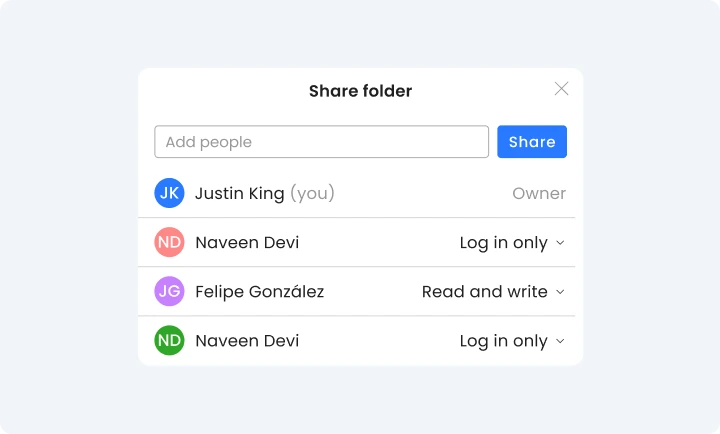
Secure Sharing
Share passwords and confidential information securely with RoboForm, making it easy to provide access to the right people.
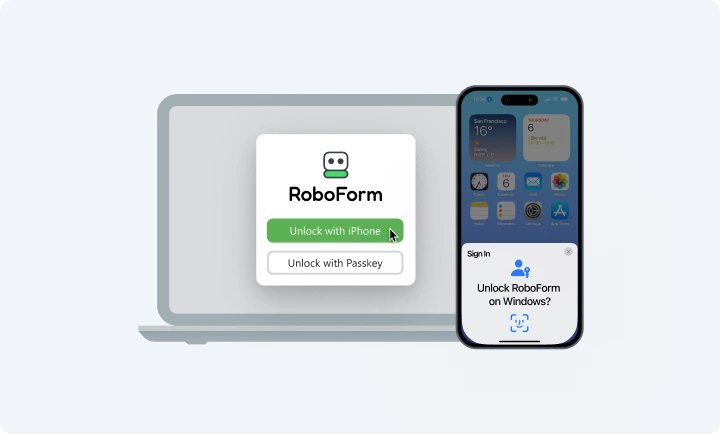
Advanced two-factor authentication (2FA)
Your account is secured with 2FA options including passkeys, trusted devices, and hardware security keys — in addition to email, SMS, and TOTP authenticator apps.
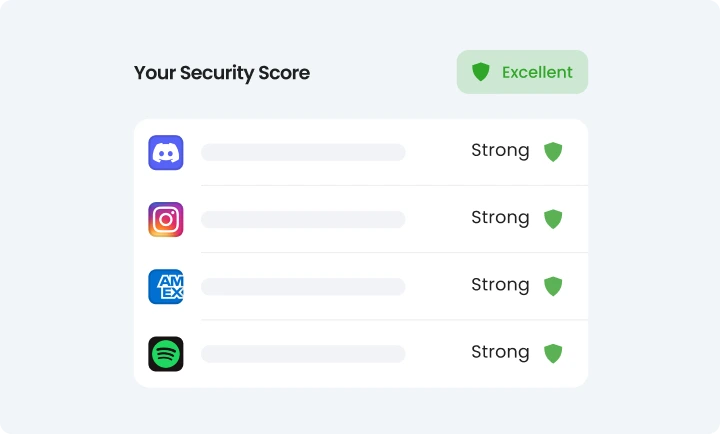
Security Center
RoboForm will help you identify weak, reused, or compromised passwords, and provide suggestions for replacing them with strong, unique alternatives.
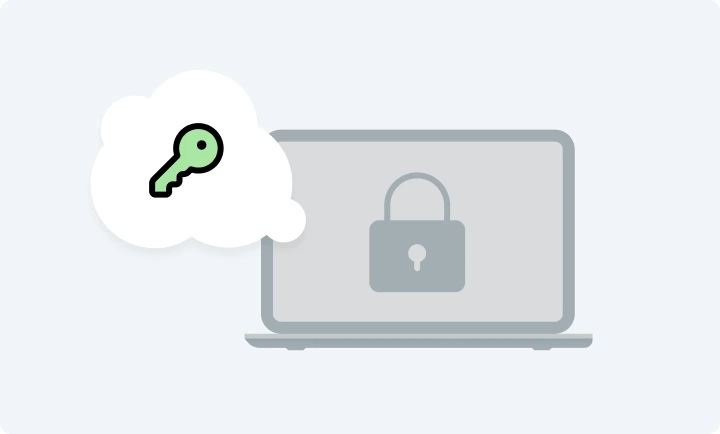
Zero knowledge infrastructure
Your data is encrypted with your own secret key—the Master Password. All decryption happens on your device and not on our servers. We have no way of knowing your Master Password or accessing your data.
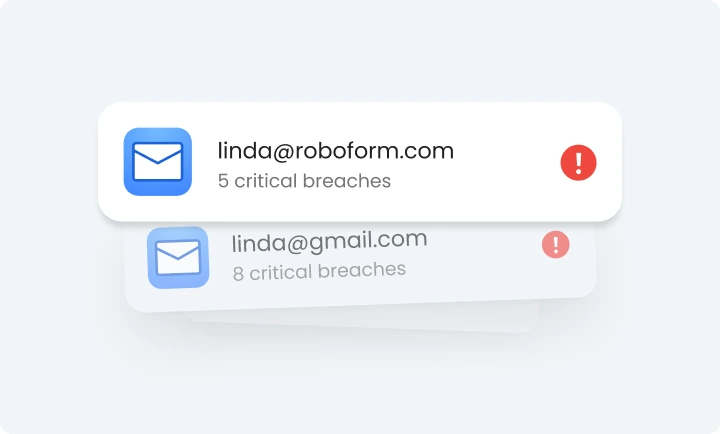
Breach alerts
Receive alerts when your passwords or online accounts appear in data breaches, showing what information was exposed. Create secure replacement credentials.
Read our security whitepaper
A detailed description of RoboForm's security architecture.
Audited by third party experts
RoboForm has undergone thorough testing by Secfault Security.

Security, Continuously Tested
Our bug bounty program reflects our commitment to security. We welcome researchers to test the RoboForm solution and responsibly disclose vulnerabilities in accordance with our guidelines and CISA standards. Confirmed issues are evaluated and rewarded based on severity and impact. We collaborate closely with the security community to identify and resolve issues quickly—strengthening our platform every day.
RoboForm Vulnerability Disclosure PolicySecure your business with RoboForm
Keep your business safe with RoboForm's top-of-the-line security technology
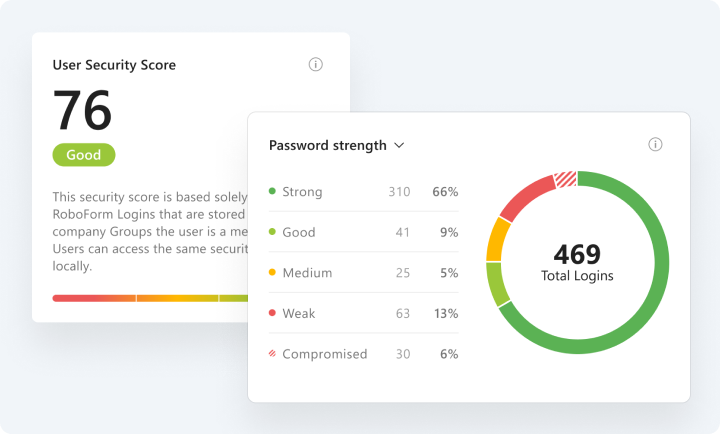
Security Dashboard
Real-time insights into password health and security compliance for each employee, group, and the company as a whole — including a compromised password scanner and continuous data breach monitoring.
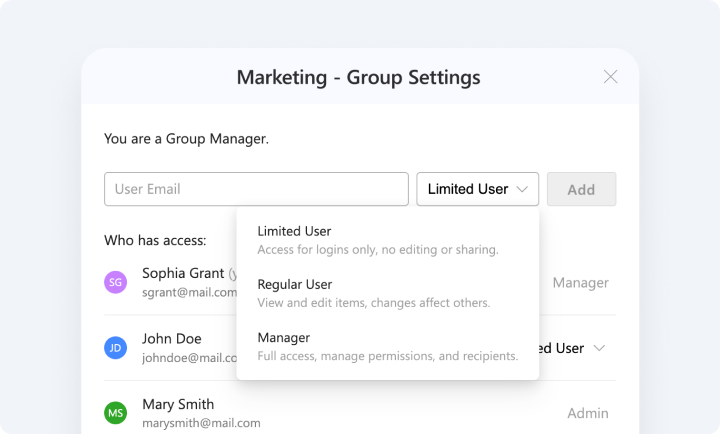
Access Control & Sharing
Granular sharing permissions ensure the right people have the right credentials — securely. Multiple sharing tiers adapt to organizations and teams of any size or structure.
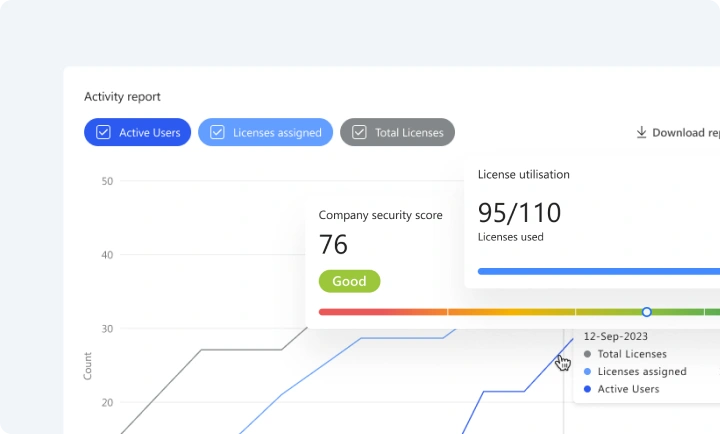
Reports & Audit
Comprehensive, exportable activity logs and compliance-ready reports deliver complete visibility and accountability.
What makes us more secure than your browser's password manager
- Phishing protection
- Automatically clears your clipboard
- Only you can unlock your data
- Strong passwords on any device or browser
- Securely share single files or folders
- Emergency access for trusted contacts
Real user ratings and reviews
Take a look at what our customers have to say