

How It Works
RoboForm Everywhere is easy to set up
- Click Here to Download RoboForm.
- During the installation choose the Everywhere option.
- Setup a RoboForm everywhere account.
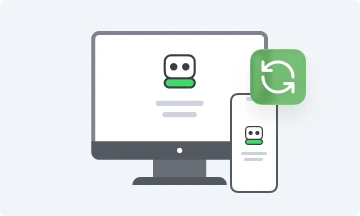
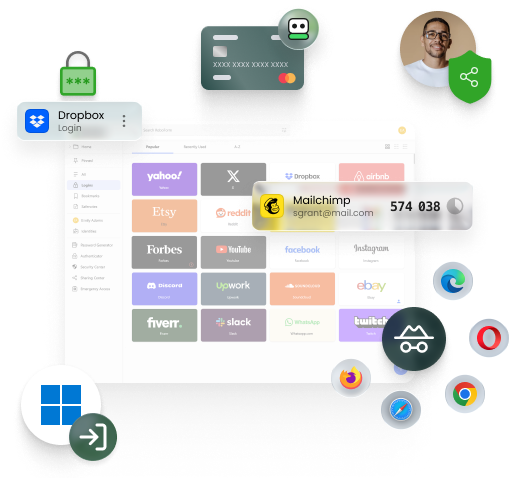
- Install RoboForm on any of your computers and mobile devices.
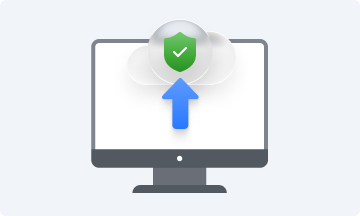
- Use the same Everywhere account information on each device to automatically access and sync your RoboForm data.
How do I use RoboForm on my mobile devices?
Install the RoboForm application from iPhone, iPad, or Android's application store. Once installed, use the same Everywhere
account information on each device. When you make changes, your data will automatically sync.
Is RoboForm Everywhere secure?
Of course! The protection of your data is our highest priority. Click here to view our detailed security section.
How much is a license?
We want everyone to try RoboForm Everywhere, so we are currently running a special for a first year price of $9.95,
that's less than $1 per month! After your first year, you can enjoy the convenience and security of RoboForm Everywhere
for only $19.95 per year or purchase multiple years at a discount.
What is the difference between Desktop and Everywhere?
RoboForm Desktop is a license for a single computer. RoboForm Everywhere is a license that allows you to install
RoboForm on all your computers and mobile devices and automatically keeps your data in sync. Click here
for more information and to see what license is right for you.


