


Capturas de pantalla
Pulse en una de las siguientes imágenes para ver la captura de pantalla y su descripción:
-

RoboForm Toolbar
-

Logins Menu
-

Passcard Editor
-

Identity Editor
-

Password Generator
-

Safenote Editor
-

Save Forms
-

Options Menu
RoboForm Toolbar
The RoboForm Toolbar gives you easy, yet secure access to all your passwords. It is the perfect way to access all your favorite web sites as well as fill out online web forms — all in one click. You can even save notes and bookmarks, search the internet, and generate new passwords — all from one toolbar.

Logins Menu
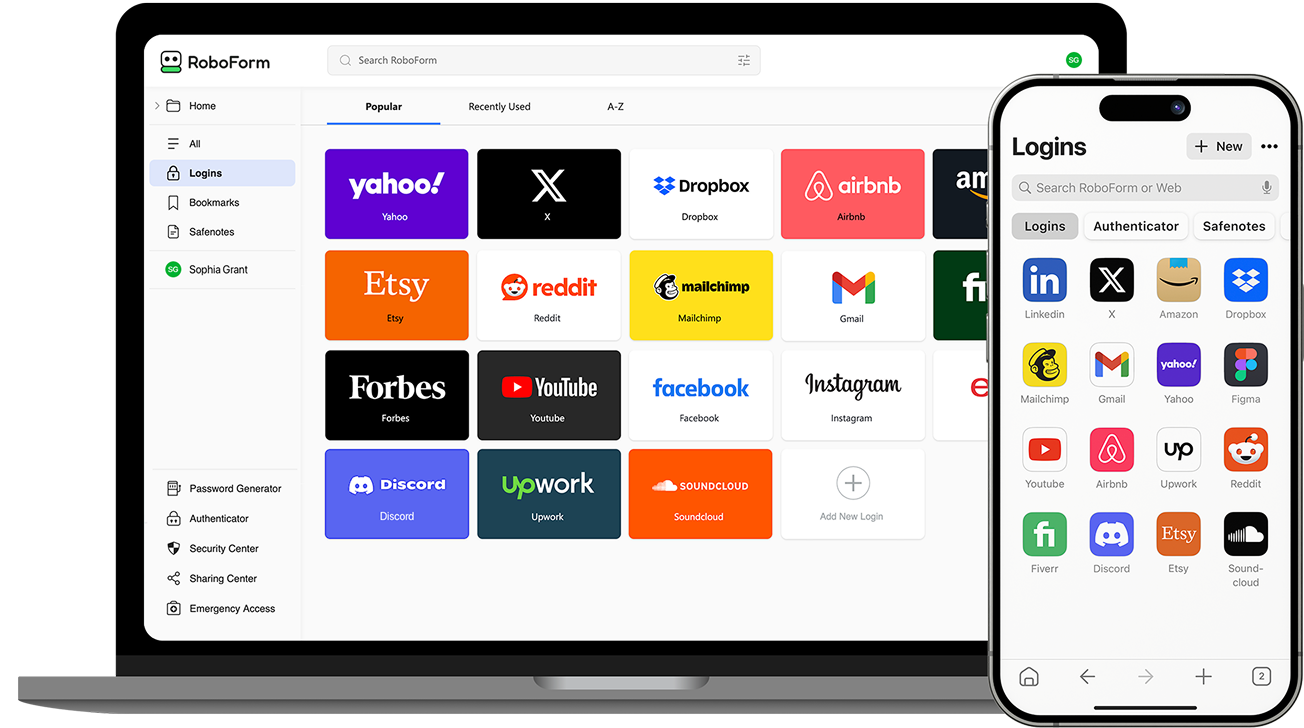
The Logins menu organizes and displays all your Passcards on one screen (your username and passwords are securely stored as RoboForm Passcards). From the Logins menu you can print a list of your Passcards, edit your Passcards, but most importantly if you click on your Passcard, RoboForm will go to the web site, fill in your username and password, and click the submit button automatically.

Passcard Editor
The Passcard Editor can be used to edit any part of an already saved username or password. It is an easy way to change saved login information and add additional login fields.

Identity Editor
The Identity Editor helps you edit any information that is saved under your 'Identity.' Your Identity information can then be used to automatically fill in online forms, surveys, and sweepstakes — all in one click.

Password Generator
Password Generator generates hard to guess passwords for an added level of security. You can now use secure passwords because RoboForm will Remember them for you.

Safenote Editor
Think of Safenotes as secure 'yellow stickies.' You can use Safenotes to store any sensitive data such as ATM PINs, lockbox combinations, software activation codes, and much more. While accessing Safenotes is easy, all the information is always secure and protected by the password of your choice.

Save Forms
When you log into a website for the first time RoboForm gives you the option to Save your login information into a passcard. When you click on a Passcard RoboForm will log you into that website automatically.

Options Menu
The Options menu allows you to completely customize RoboForm. Security settings, languages used, user data, as well as the look and feel of the toolbar can all be changed to meet your own personal preferences.



