

Get Started - V6 Users
What is the difference between RoboForm Everywhere and RoboForm Online?
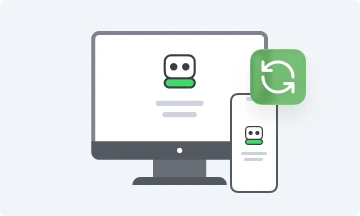
RoboForm Online has been available as a free beta for over a year. With the release of RoboForm 7 and the addition of the RoboForm Everywhere option, we have incorporated previous RoboForm Online functionality into the new RoboForm Everywhere service. While this may be a bit confusing for the short-term during our brief transition period, RoboForm Everywhere provides a better, more streamlined user experience. Our new RoboForm Everywhere service will a) keep all your RoboForm data in sync, b) always ensure you have a backup copy, and c) allow you to access your RoboForm data from Everywhere. Click here for a full explanation and a transition guide to RoboForm Everywhere.
V6 users: To use RoboForm Everywhere with your existing RoboForm Online account, please follow our four easy steps to complete the initial set up:
-
Download and install the latest version of RoboForm 7.
-
During the Install, select Yes sync with RoboForm Everywhere:

-
Enter your RoboForm Online Beta User ID and Password:

-
That's it! Select Next to complete the install process and you're good to go. Your Logins are now in sync with RoboForm Everywhere.


