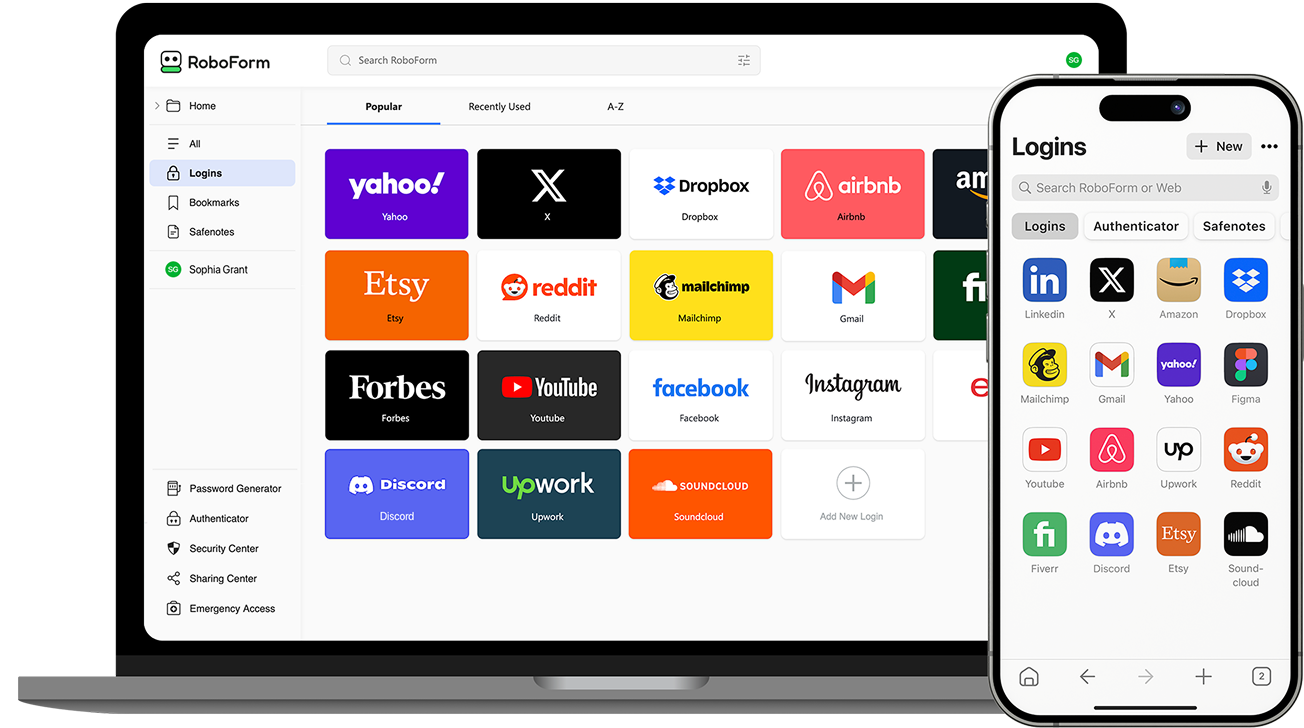





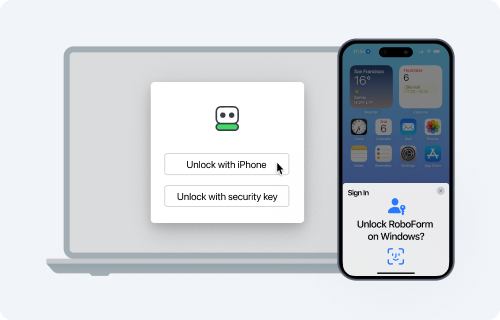
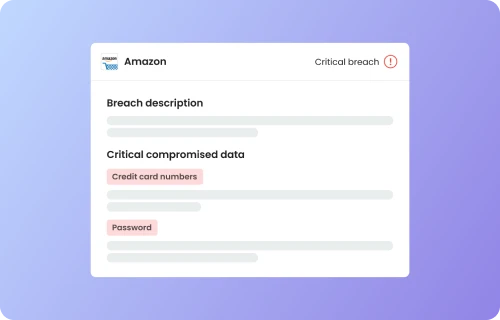


Um gerenciador de senhas é um aplicativo que armazena e gerencia com segurança as senhas de suas contas online. Ele cria um cofre seguro onde as senhas são criptografadas e podem ser acessadas apenas por você. A ferramenta normalmente inclui um gerador de senhas para criar senhas fortes e únicas e oferece recursos como o preenchimento automático de credenciais de login em sites e aplicativos. As versões avançadas incluem medidas de segurança adicionais, como autenticação de dois fatores, monitoramento da dark web e a capacidade de compartilhar senhas com segurança com contatos confiáveis. Um gerenciador de senhas garante que você mantenha senhas fortes e variadas para todas as suas contas, e você só precisa lembrar de uma senha mestra.
Business
Um plano pago, todos os recursos, sem atualizações ocultas